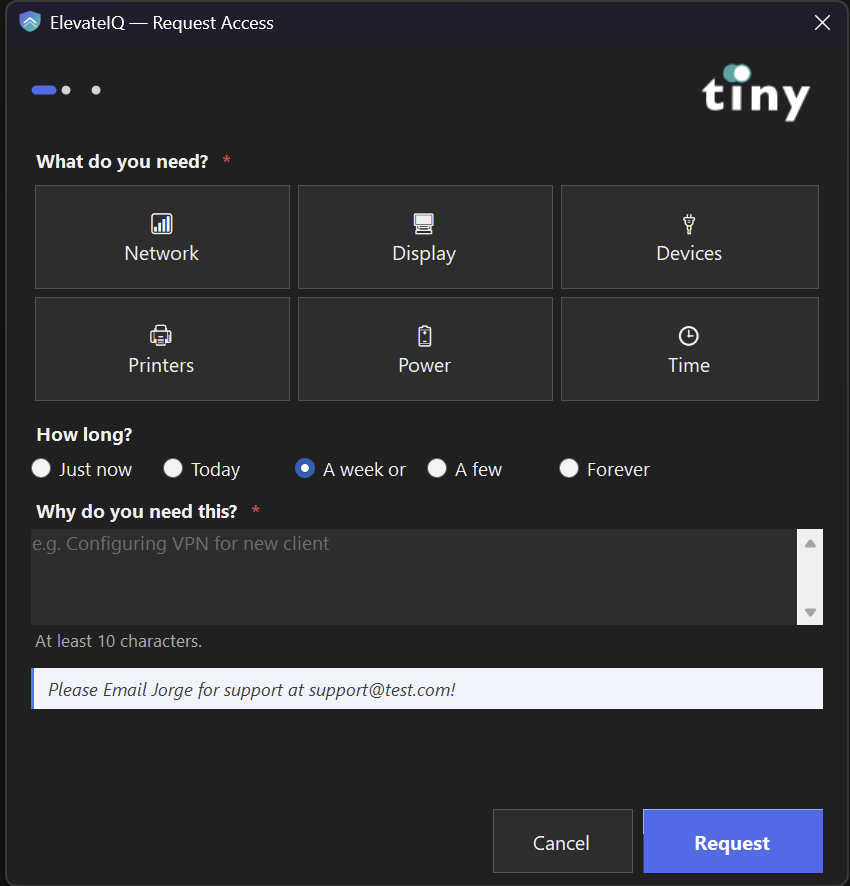
Need to install an app or change a network setting? Verify it's you with a quick MFA tap, write one line about why, and you're done — usually in seconds. No shared admin passwords, no waiting on IT, no dead-end "you don't have permission" dialogs. Your IT team still owns the rules; you just stop being the bottleneck.
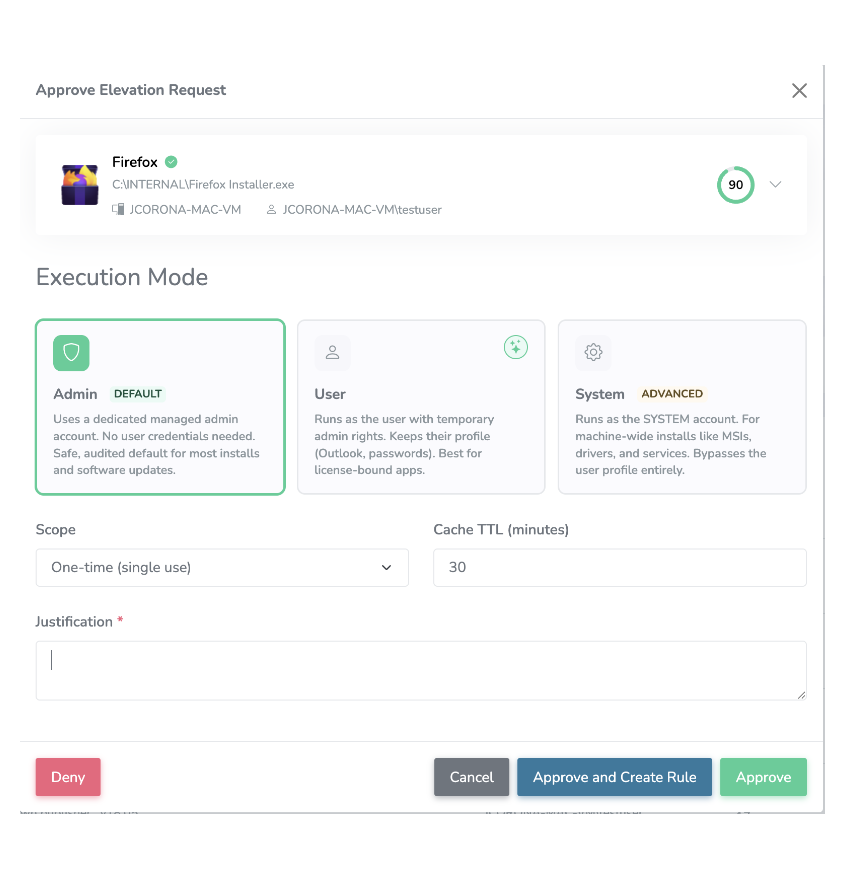
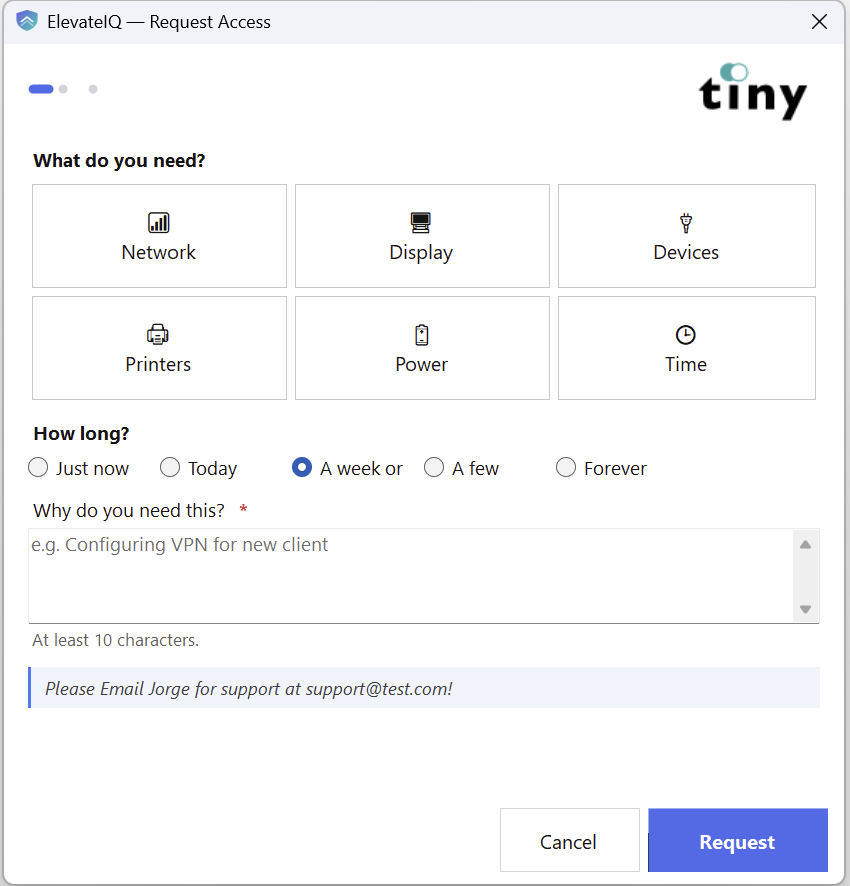
Elevation requests for installers and admin tools — and pre-approved access for User Settings (Network, Devices, Printers, …) — all live in the same admin queue.
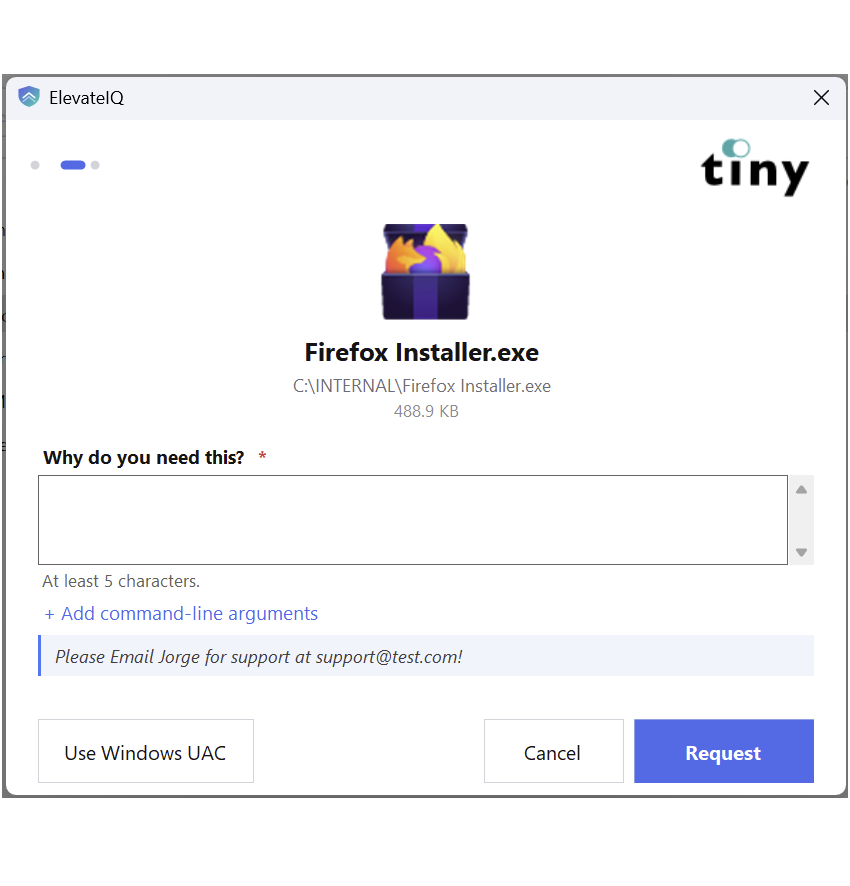
When a user needs software they don't have rights to install, they request it from ElevateIQ. They explain why, sign with MFA, and wait for approval. No shared admin passwords. No help-desk ticket pile-up.
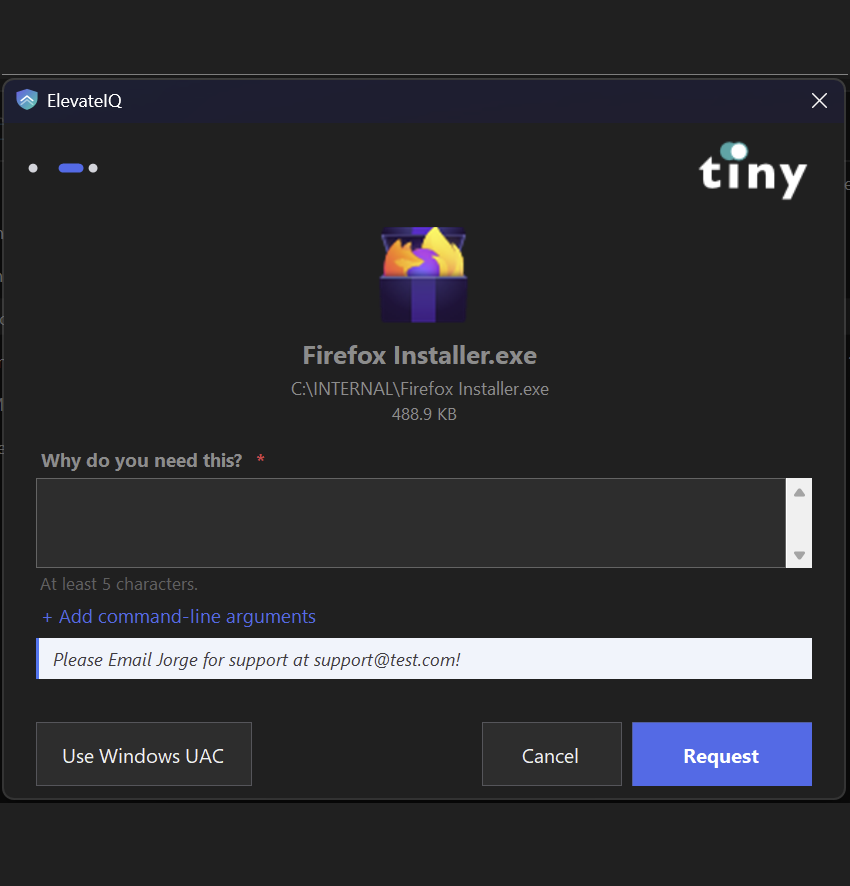
Right-click any installer, or pick from the tray. Short reason, hit submit, wait. No password to share, no admin to call.
Windows Hello or TOTP — per request, not session-cached, not bypassable. The audit log shows exactly who signed what, when.
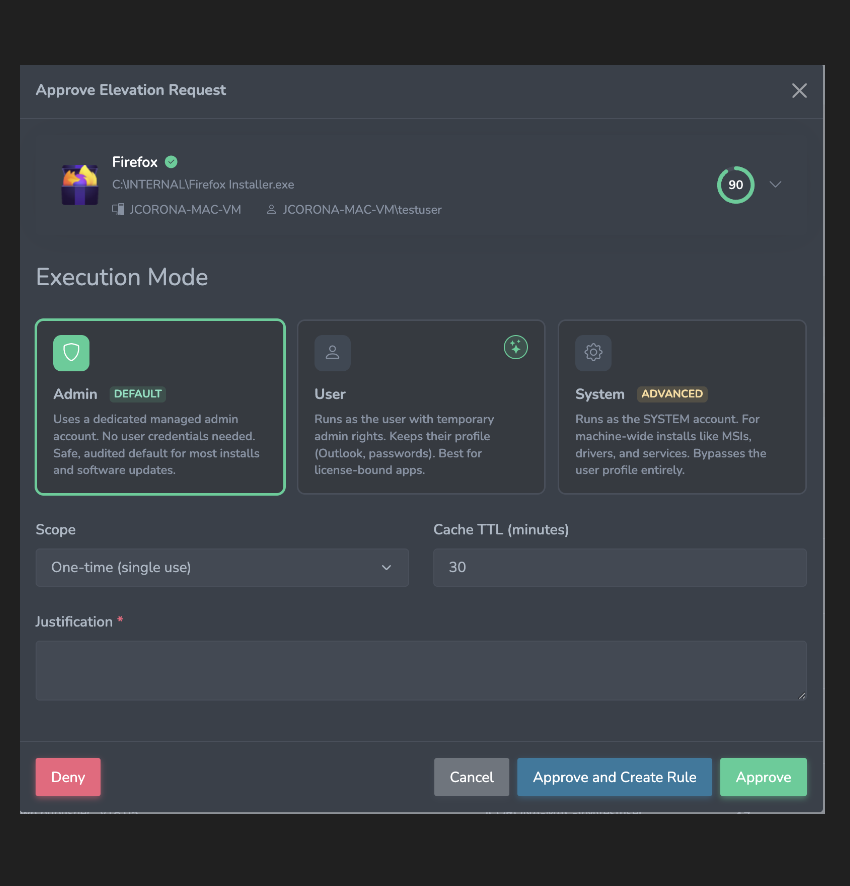
Technicians see the requester, the binary, an AI risk score, and a recommended action. Approve in a click — or convert it into a rule.
Network, Display, Devices, Printers, Power, Date & Time — pre-approved by the technician, time-boxed, audited. Next time the user opens it, it just works.
Different apps need different kinds of elevation. ElevateIQ picks the right one — and your technician confirms.
Uses a dedicated managed admin account. No user credentials needed. Safe, audited default for installs & updates.
Runs as the user with temporarily-elevated rights. Keeps profile data intact. Best for license-bound or profile-writing apps.
Runs as the SYSTEM account. For drivers, services, and machine-wide installers. Reserved for cases where Admin mode isn't enough.
Our model analyzes each binary at intake — scoring the risk, recommending an answer, and learning from every decision your team makes.
Every elevation request gets a 0–100 trust score and a recommendation: approve or deny.
Every approval and denial trains the model. Recommendations get sharper week over week.
Once a pattern is well-established, future matching requests resolve on their own. Manual at first. Quiet from then on.
Verdict: The executable is a validly signed installer from Mozilla Corporation, a well-known and trusted software vendor. The product is identified as Firefox, a legitimate web browser.
This executable is an installer for the Mozilla Firefox web browser. It is used by end-users to install or update the Firefox application on their systems, providing internet browsing capabilities.
Build your allowlist five different ways. When an allow and a deny rule conflict, deny wins — always, with no exceptions.
Open the rule editor. Fill the fields. Pick the scope. The traditional path, when you know exactly what you want.
One click on any pending request — "Approve and Create Rule" — promotes it into a standing rule with smart defaults.
Drop an .exe or .msi onto the rule modal. The server extracts certificate, signature, file metadata, icon — auto-fills the form.
Opt into pre-built bundles like Microsoft's App Control block list. One click. Deny rules live across your tenant.
After enough manual approvals on the same publisher, ElevateIQ proposes a rule for you to ratify. The library grows on its own.
An allow rule and a deny rule on the same request? Deny is non-negotiable. Your security policy actually holds.
One price. One bundle. Everything ships in the box — credential provider, AI risk scoring, rules engine, multi-tenant console, audit log.
10-endpoint minimum · billed monthly · cancel anytime
Need 500+ endpoints? Talk to us about volume pricing. demo@elevateiq.com
30-minute walkthrough of the technician console, the user-side experience, the rules engine, and per-org branding. Bring an installer that's been giving you trouble — we'll write the rule live.
$2 per endpoint / month · 10-endpoint minimum